Photograph your day.Read it back in the language you’re learning.
Take a photo of anything around you. Immersa turns it into a word you can hear and practise, then writes short stories with the words you’ve collected.
Coming soon to the App Store, for iPhone and iPad.
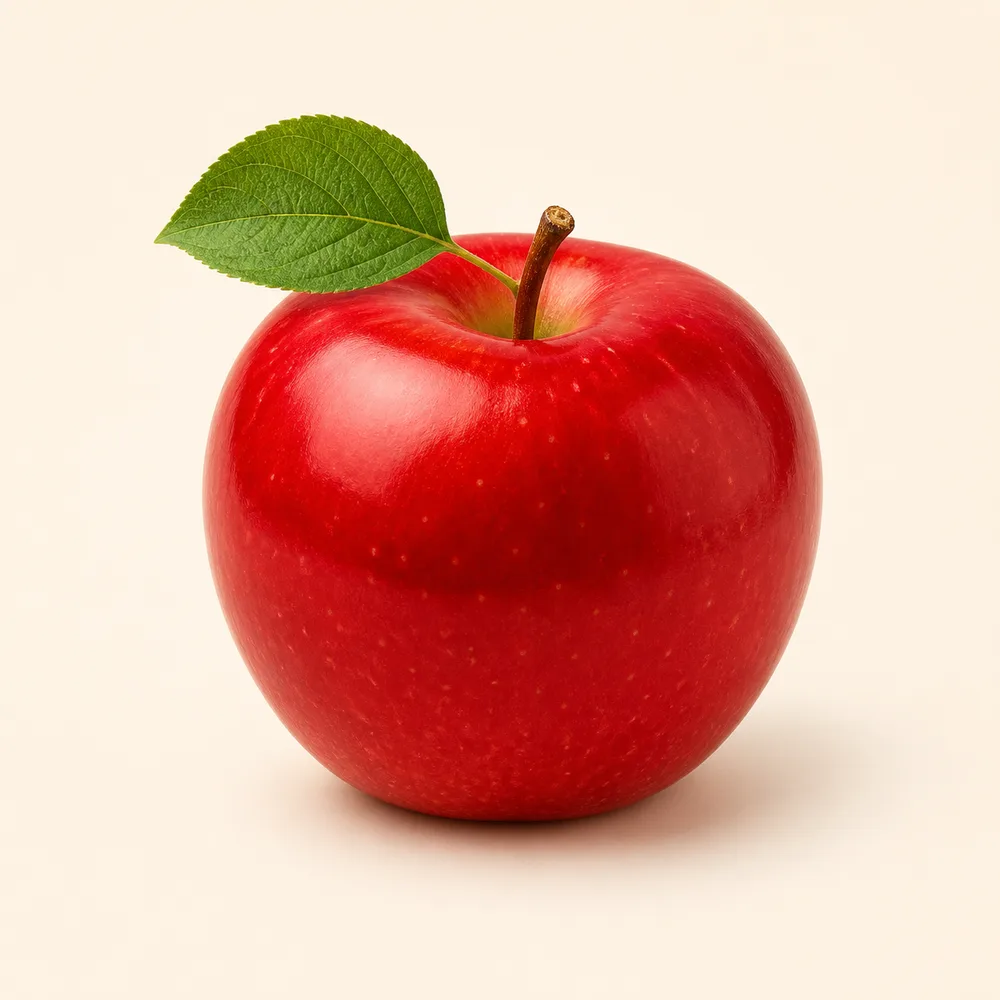

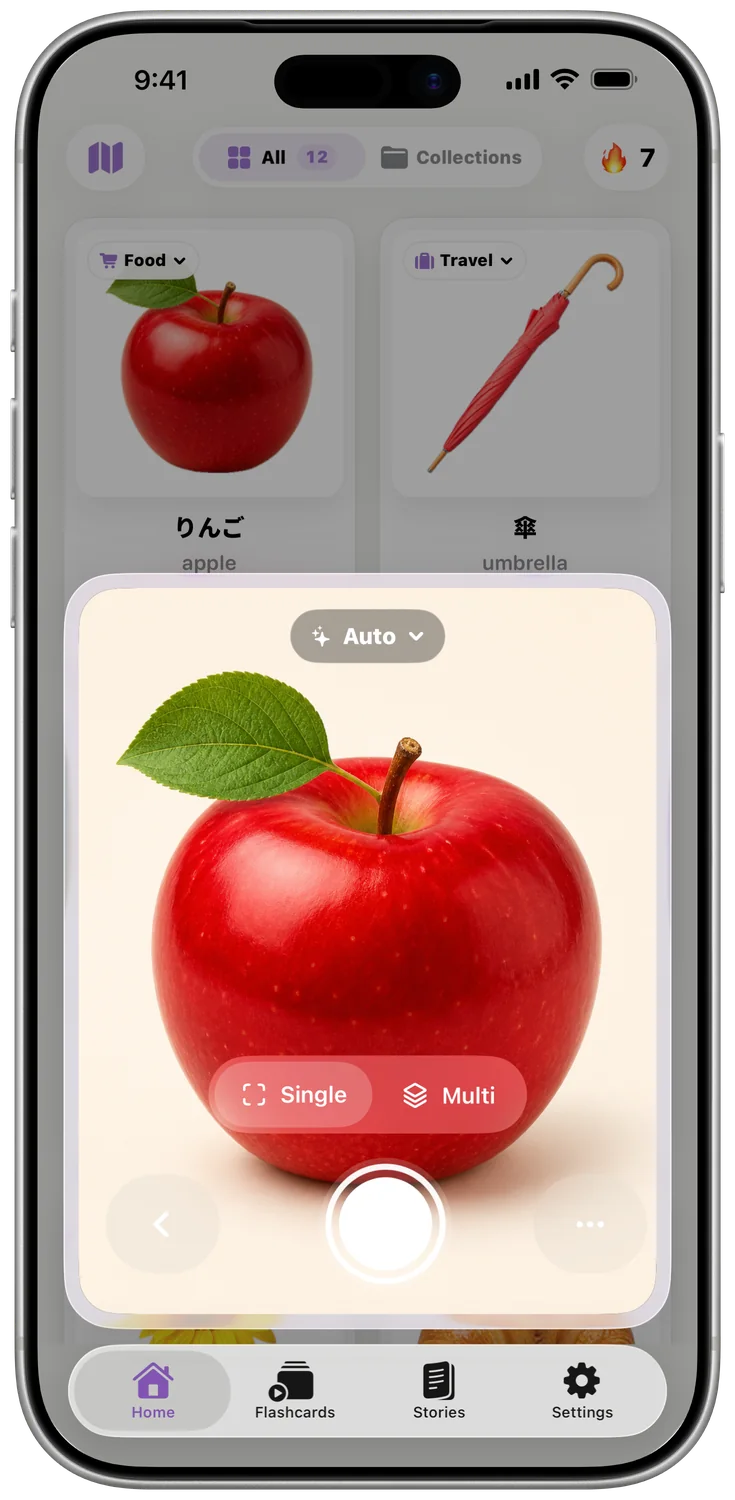
Start with whatever’s in front of you.
Point your camera at a mug, a menu or the view from a train. Immersa lifts the object out of the photo, names it in the language you’re learning and saves it as a sticker. Photos you’ve already taken work too.
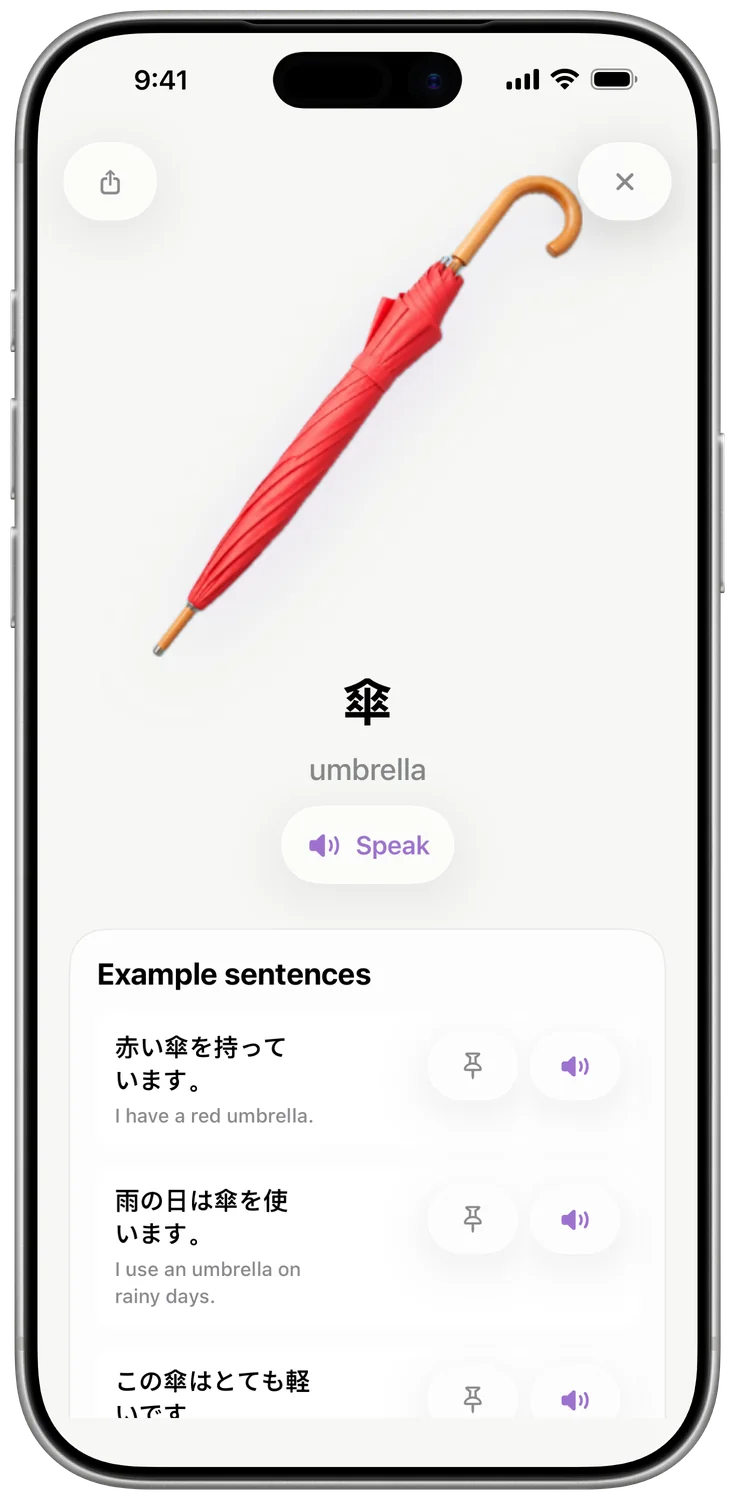
Tap a sticker to hear it.
Every word comes with natural pronunciation, in any of 40 languages. Try a few.
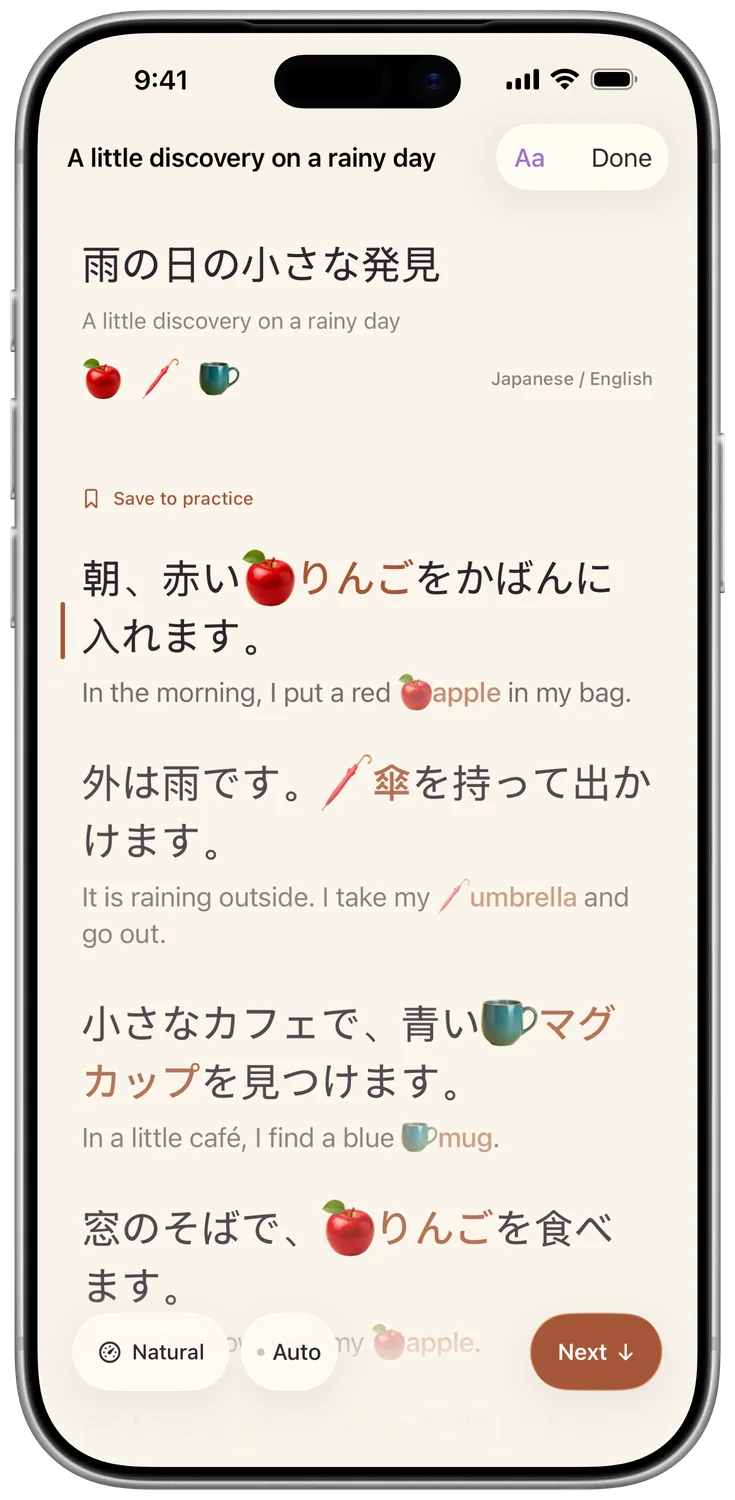
Then read a story made from your words.
Choose a few stickers and Immersa writes a short story around them, at your level, with a translation under every line. Listen along and save the sentences you want to practise.
A little discovery on a rainy day, read by Immersa’s Japanese voice.
A few minutes of practice, whenever you have them.
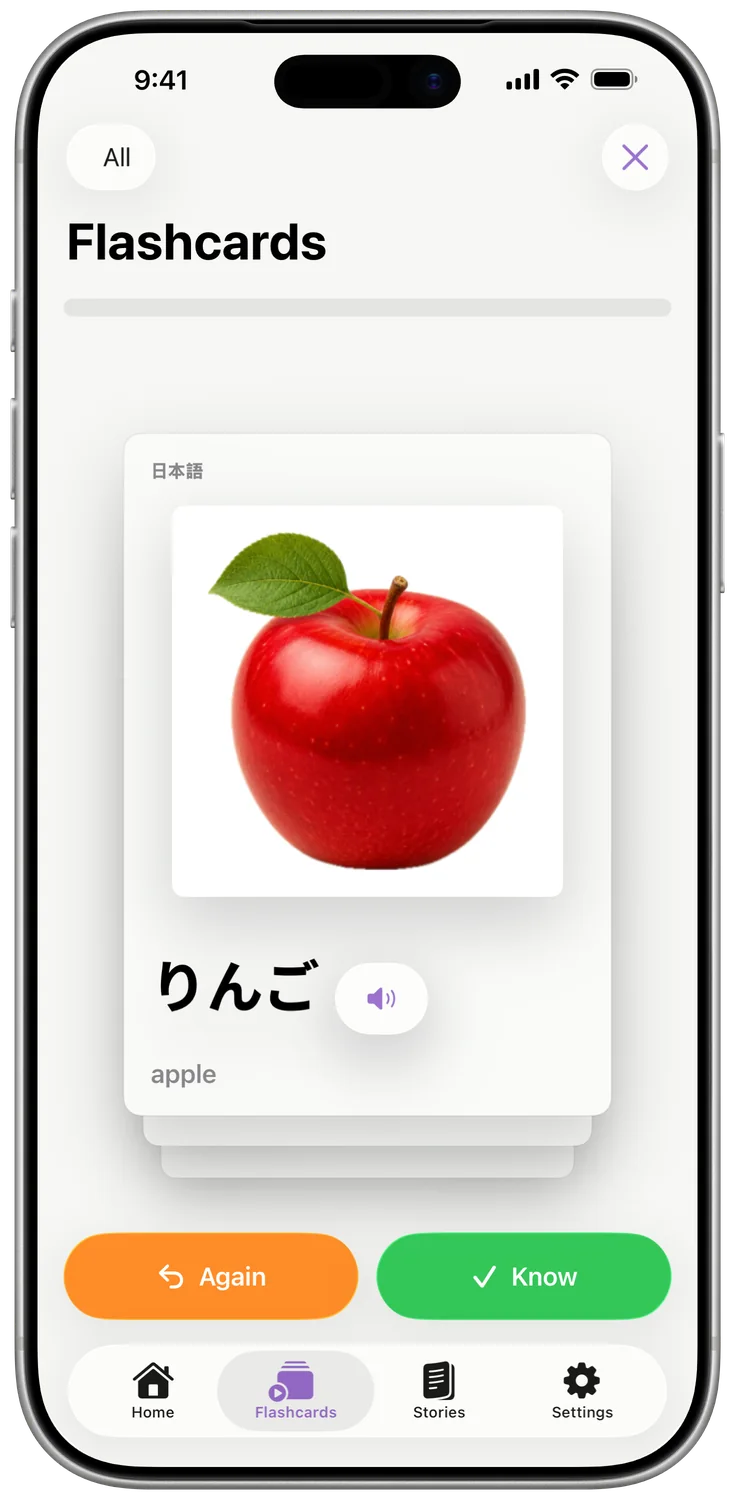
Flashcards and quizzes bring your words back from the picture, the spelling or just the sound, with example sentences that show how each one is used.
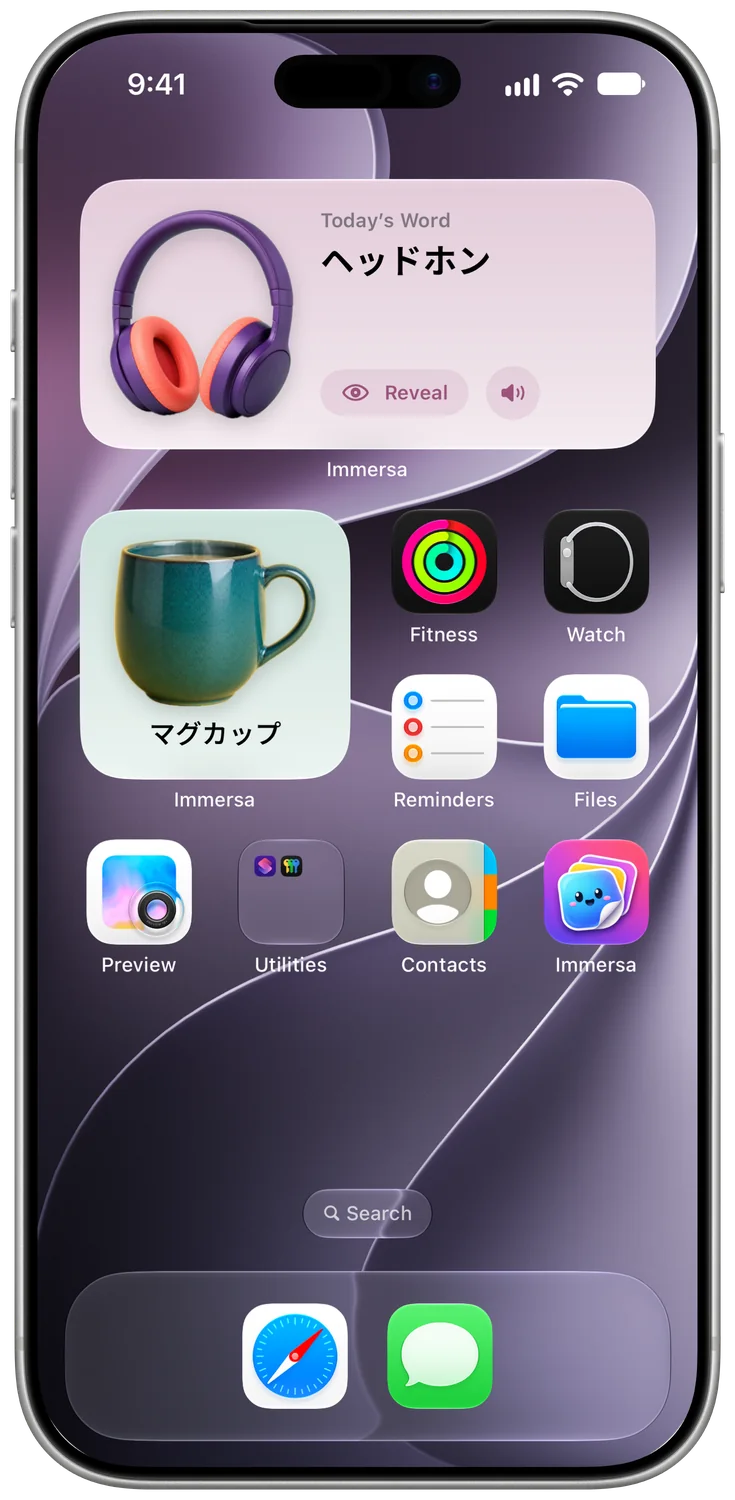
A new word every time you pick up your phone.
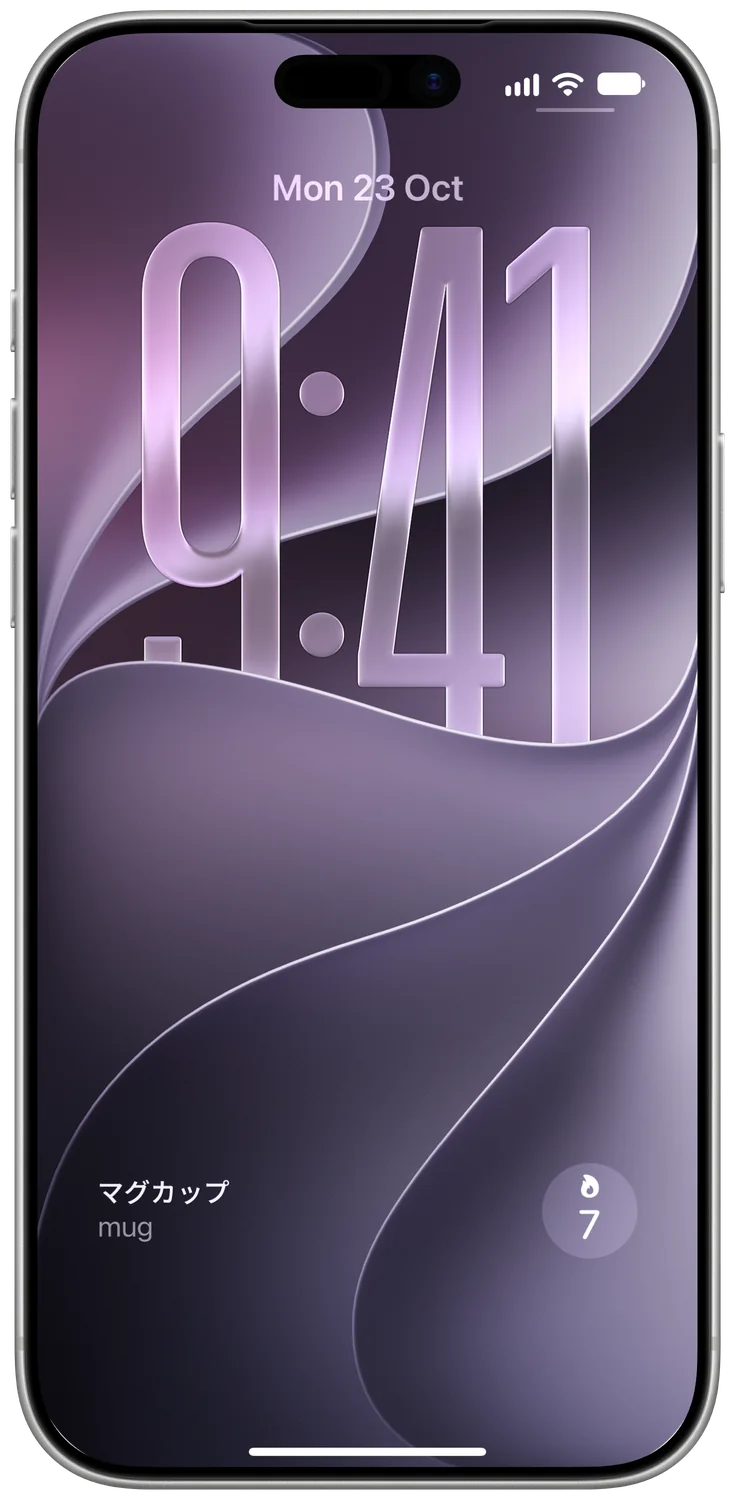
Today’s Word sits on your Home Screen. Guess, then reveal. Your streak lives on the Lock Screen, and Control Centre opens the camera in one tap.
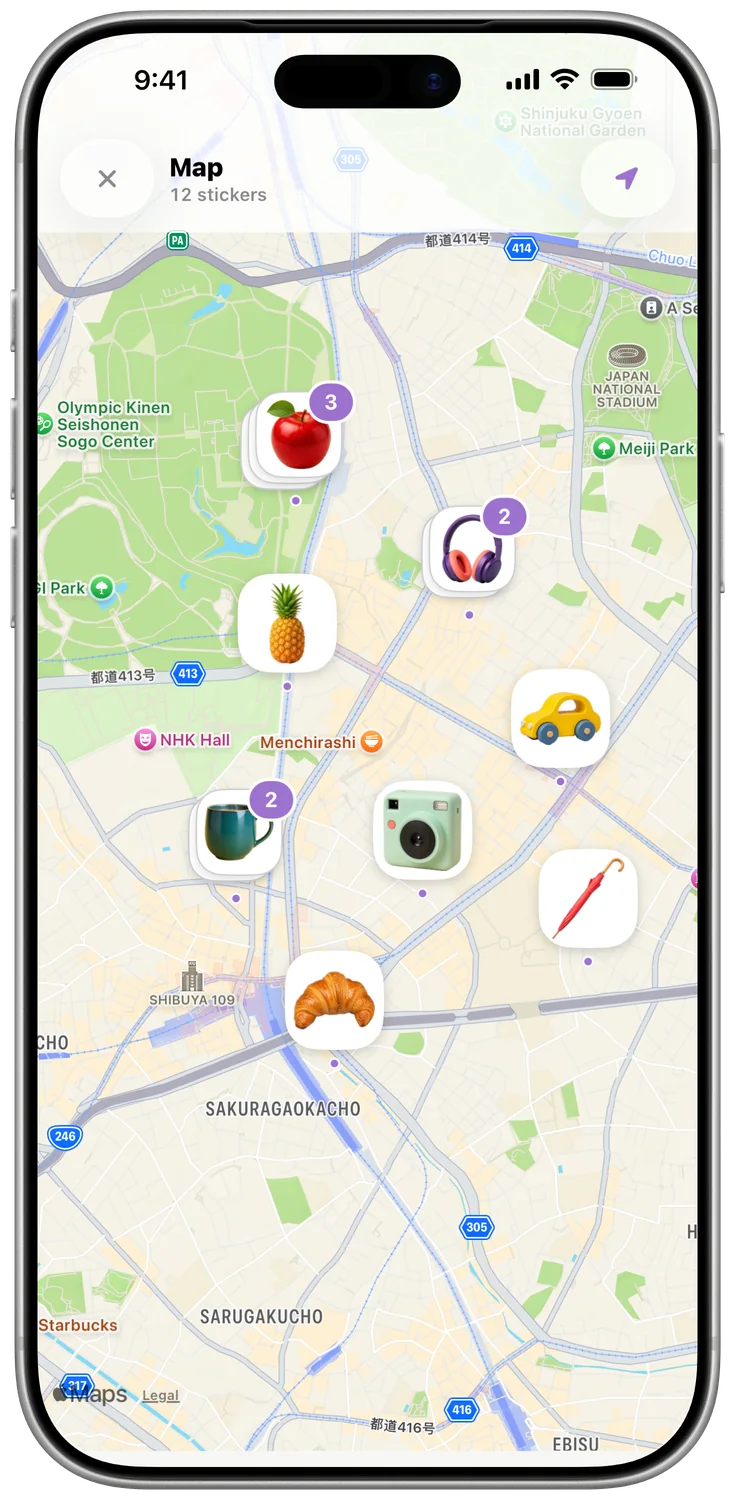
Every word has a place.
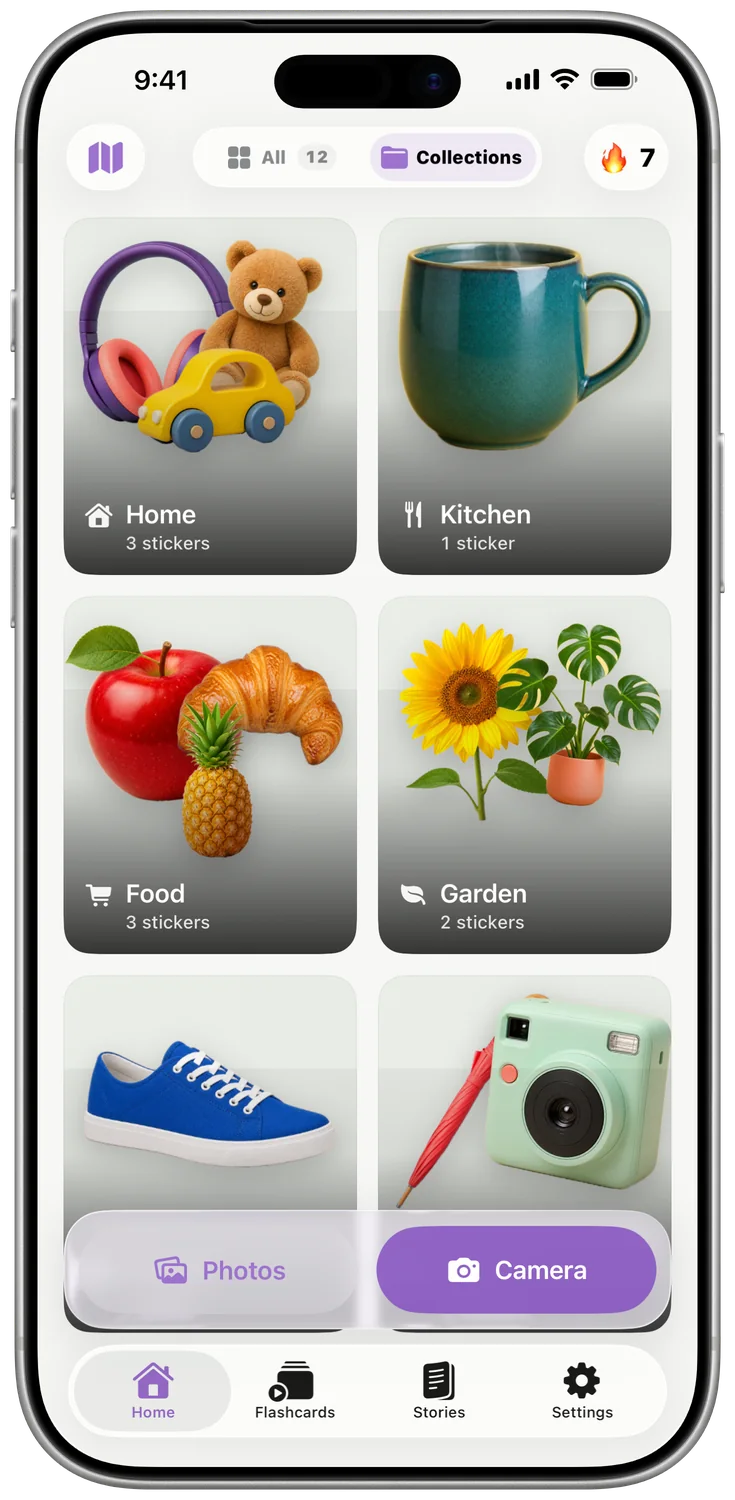
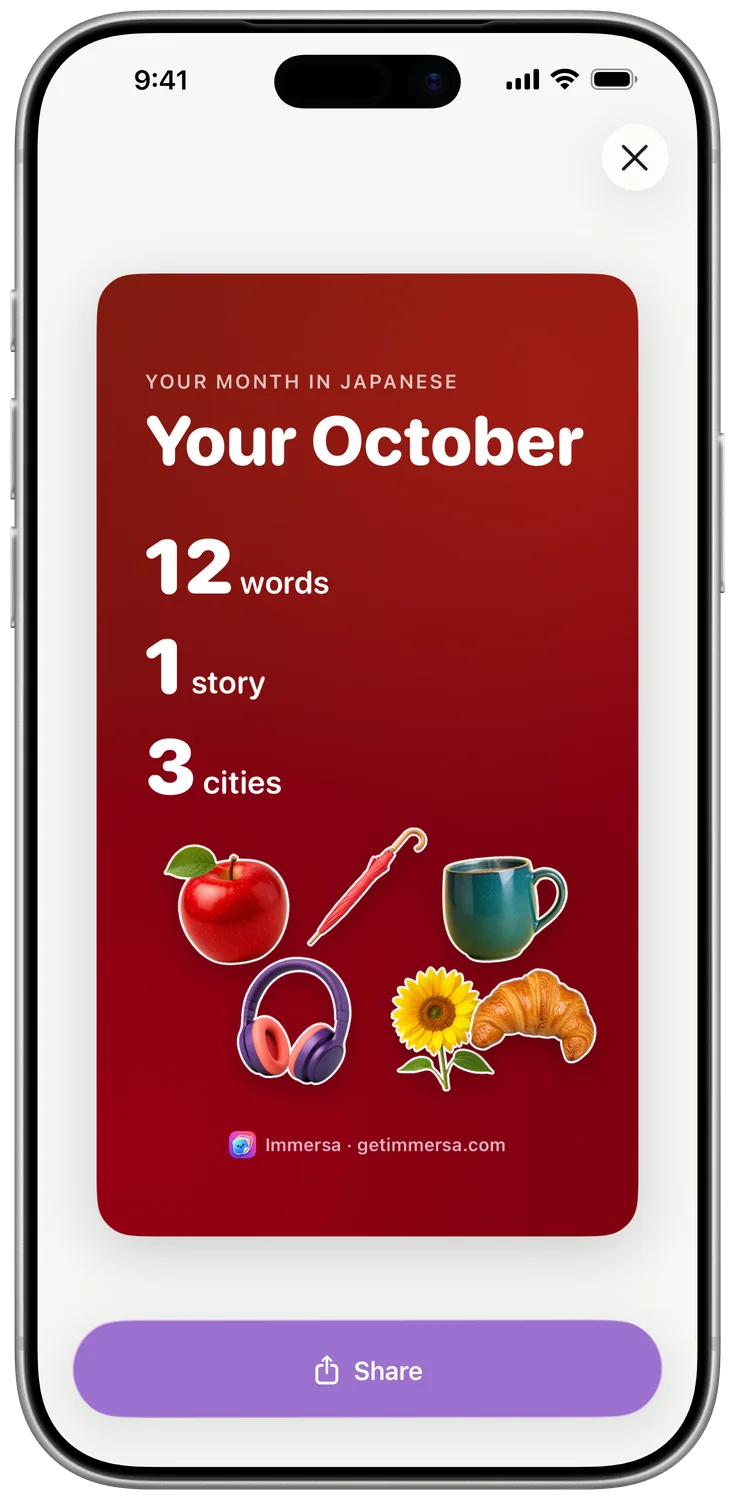
Immersa remembers where you found each word. Wander back through them on a map, sort them into collections and look back on your month.
Free to start.
Your first stickers and your first story are free. Immersa Plus is $2.99 a month or $19.99 a year, and the yearly plan begins with a 1-week free trial.
Plus gives you unlimited stickers and stories, collections, the sticker map and iCloud sync between your iPhone and iPad.
Prices in US dollars; the App Store shows your local price. Subscriptions renew until you cancel them in your Apple Account settings.
No account to make.
Your library lives on your device and in your own iCloud. Voices are generated on your iPhone, so practice works offline.
Immersa asks before it uses AI to name an object, and sends only the cut-out, not the full photo or your location. Read the privacy policy.
Questions
Which languages can I learn?
Any of these 40, from any of the others:
- English (US)
- English (UK)
- Spanish
- French
- German
- Italian
- Portuguese
- Japanese
- Chinese (Simplified)
- Chinese (Traditional)
- Korean
- Russian
- Hindi
- Arabic
- Indonesian
- Dutch
- Bengali
- Urdu
- Ukrainian
- Swedish
- Danish
- Greek
- Hebrew
- Swahili
- Turkish
- Vietnamese
- Polish
- Czech
- Finnish
- Romanian
- Hungarian
- Farsi
- Thai
- Bulgarian
- Croatian
- Slovak
- Slovenian
- Estonian
- Lithuanian
- Latvian
Can I use photos I’ve already taken?
Yes. Choose any photo from your library and Immersa makes stickers from it, just as it does with the camera.
Does Immersa work offline?
Your stickers, flashcards, quizzes and voices all work offline. Making a new sticker or story needs an internet connection.
Is it on iPad?
Yes. Immersa runs on iPhone and iPad, and Immersa Plus keeps your library in sync between them.
What does Immersa send to AI?
Only if you allow it: the cut-out image of the object, your chosen languages and the words involved, so it can name the object and write sentences and stories. Your location, review history and purchases are never sent. The privacy policy has the details.
How do I cancel Immersa Plus?
Any time, from Subscriptions in your Apple Account settings. Apple explains how.
Who is Immersa for?
Anyone aged 13 or over who wants to learn the words for the world around them, whether you’re starting out or brushing up.




Your world is already full of words.
Coming soon to the App Store, for iPhone and iPad.
Want to know the day it launches? Email us and we’ll tell you.